
How to Calibrate Your iPad Battery for Optimal Performance
By:Admin
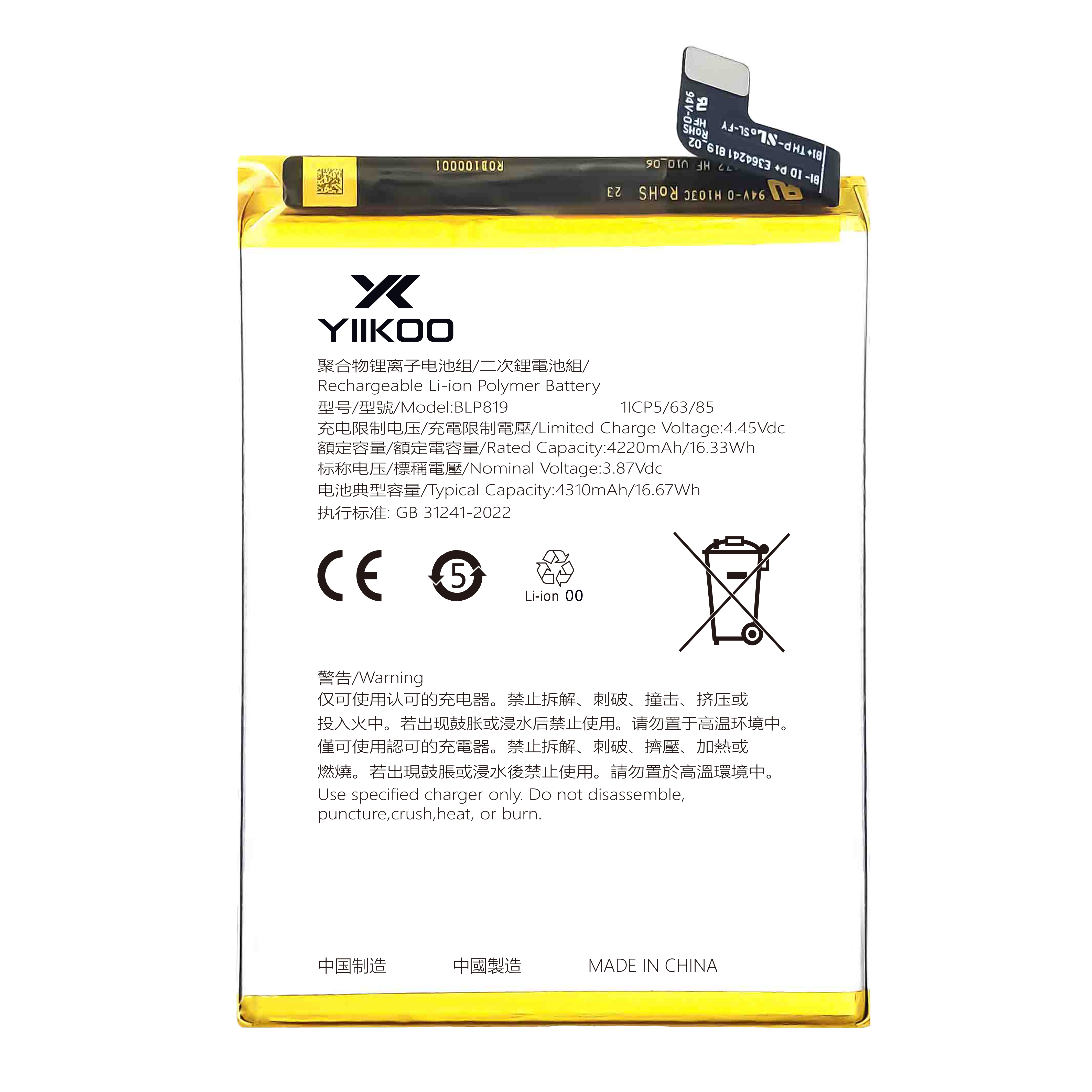
In today’s fast-paced digital world, the iPad has become an essential device for work, education, and entertainment. To ensure your iPad continues to perform at its best, maintaining the health of its battery is crucial. Over time, the iPad’s battery may begin to show inaccurate charge levels or experience reduced battery life, which can be frustrating for users. One effective way to address this issue and extend the longevity of your device’s battery is by performing a battery calibration. This article will guide you through the process, explain why it’s important, and introduce helpful tips to keep your iPad running smoothly.
### Understanding Battery Calibration
Battery calibration is a process that helps reset the device’s internal power management system to provide a more accurate reading of the battery’s charge status. When the battery gauge shows incorrect information, it may indicate more or less charge than is actually available, leading to unexpected shutdowns or shorter usage times. Calibration ensures that the iPad’s software correctly interprets the battery’s capacity and usage, helping prevent these discrepancies.
### Why Is Calibrating Your iPad Battery Important?
As lithium-ion batteries age, their performance naturally deteriorates. The iPad’s internal system relies on algorithms to estimate battery life based on charge cycles and usage patterns. Over time, these algorithms may become less precise, especially if the battery is frequently charged in short bursts or never allowed to discharge fully. Calibrating the battery realigns the software’s perception with the actual battery capacity, offering the following benefits:
- **Improved battery percentage accuracy**
- **Extended overall battery lifespan**
- **Enhanced device performance without unexpected shutdowns**
- **Better insights into when it’s time to consider battery replacement**
### How to Calibrate Your iPad Battery: Step-by-Step Guide
Performing battery calibration is a simple process that anyone can follow. Below are clear instructions to help you calibrate your iPad battery correctly:
1. **Fully charge your iPad**
Connect your iPad to a charger and allow it to charge uninterrupted until it reaches 100%. Once fully charged, it’s beneficial to keep it charging for an additional 2 hours to ensure the battery cells are completely topped off.
2. **Use your iPad until it powers off**
After reaching a full charge, unplug the device and use it normally. Allow the battery to discharge completely by continuing to use your iPad until it automatically shuts down due to a low battery.
3. **Leave your iPad powered off for a few hours**
Give your iPad a rest by leaving it turned off for at least 3 to 4 hours. This period allows the battery to stabilize and ensures that the system properly resets the battery gauge.
4. **Fully recharge your iPad again**
Plug your iPad back into the charger and charge it continuously until it reaches 100% without any interruptions.
5. **Restart your iPad**
Once fully charged, restart your device to allow the system to recalibrate and update the battery readings.
### Additional Tips for Maintaining Your iPad Battery Health
Besides calibration, following proper charging and usage habits can prolong your iPad’s battery life significantly:
- **Avoid extreme temperatures:** Batteries perform best in moderate temperatures. Avoid exposing your device to very hot or cold environments.
- **Use official or certified chargers:** Non-certified chargers may provide inconsistent power and harm battery health over time.
- **Optimize settings:** Lower screen brightness, disable background app refresh, and enable battery-saving modes where possible.
- **Regularly update your iPadOS:** Software updates often include battery performance improvements and bug fixes.
- **Avoid frequent full discharges:** Try not to let your battery reach 0% too often, as deep discharges can stress lithium-ion batteries.
### When to Consider Battery Replacement
Despite proper calibration and care, all batteries eventually wear out. If you notice significant drops in battery performance, unusually fast power drains, or if your iPad frequently shuts down unexpectedly even after calibration, it may be time to consider a battery replacement. Many device repair professionals offer battery replacement services, restoring your iPad’s longevity and performance without the need to purchase a new device.
---
### About [Company Introduction]
{Insert Company Introduction Here}
[Company Name] has been dedicated to providing reliable and expert solutions for mobile device care and repair. With years of experience in servicing a wide range of tablets and smartphones, their technicians are equipped with the latest tools and knowledge to help maintain your devices at peak performance. Recognizing the essential role that battery health plays in device usability, [Company Name] offers comprehensive battery diagnostics, replacement, and maintenance services tailored to meet customer needs.
Beyond repair, [Company Name] focuses on educating users about optimal device care. Their commitment to high-quality service and customer satisfaction has made them a trusted partner for many users looking to extend the lifespan of their technology.
For more information or to schedule a battery health check or replacement service, visit [company website/contact info].
---
### Conclusion
Calibrating your iPad battery is a straightforward yet crucial step in maintaining your device’s optimal performance and prolonging its battery lifespan. By following the steps outlined above, you can ensure more accurate battery readings and prevent unexpected shutdowns. Coupled with mindful charging habits and regular software updates, battery calibration is one of the best ways to keep your iPad operating smoothly.
If you encounter persistent battery problems or prefer professional assistance, don’t hesitate to reach out to trusted repair professionals like [Company Name] who specialize in iPad maintenance and battery services. With the right care, your iPad can continue to be a reliable companion for years to come.